> ## Documentation Index
> Fetch the complete documentation index at: https://docs.watt.ma/llms.txt
> Use this file to discover all available pages before exploring further.
# Favorite Stations in the watt.ma App
> Pin your preferred charging stations in the watt.ma app to find them in one tap from the navigation bar.
The **Favorites** tab in the watt.ma app lets you pin the stations you use most often: home, office, or regular route chargers. This page describes how to add, remove, and find your favorites.
## Overview
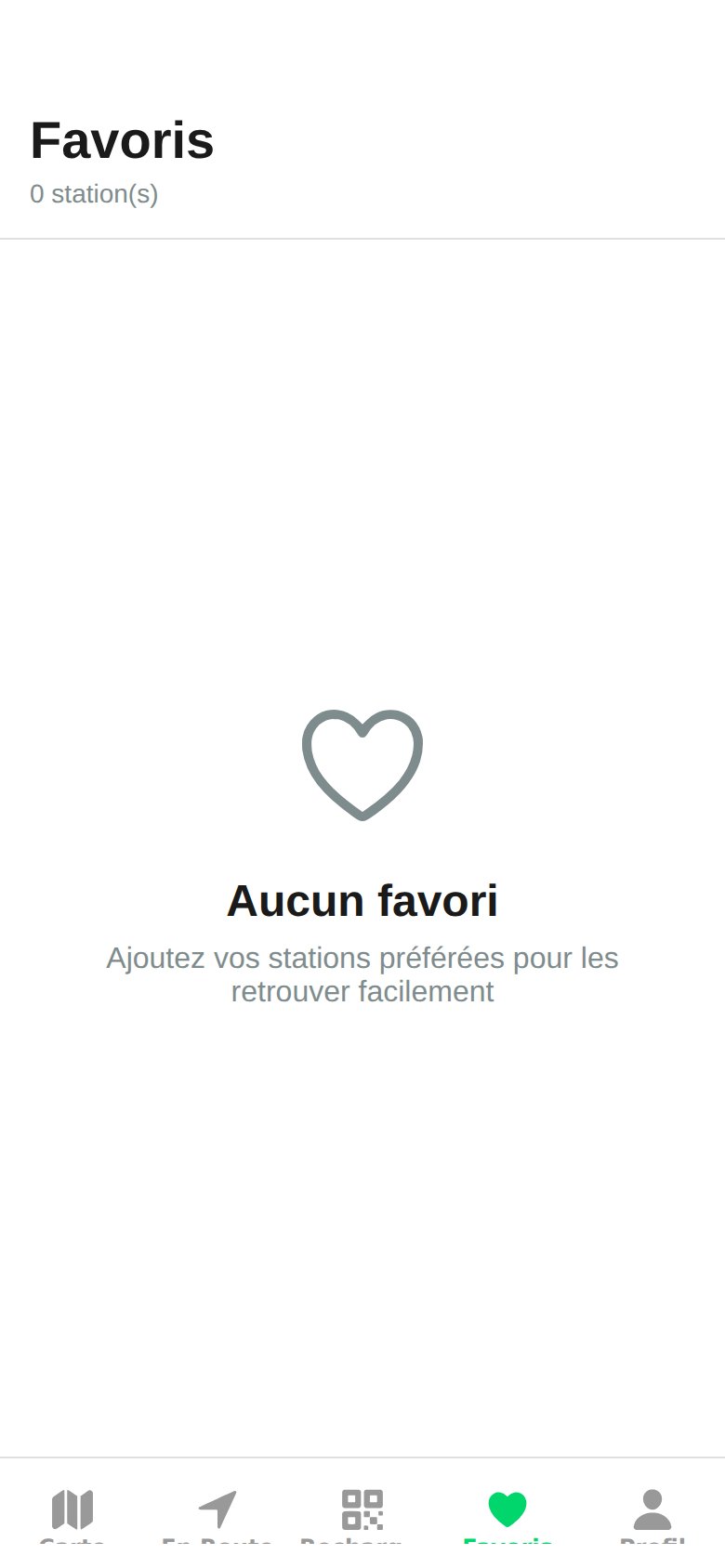 The **Favorites** screen shows the number of pinned stations and the corresponding list. When no station has been added yet, the app displays an empty state with a helpful message.
## Add a Station to Favorites
From the map or list, tap the station you want to pin.
At the top right of the [Station Details](/en/app-mobile/details-station) screen, tap the heart icon to activate it.
Open the **Favorites** tab at the bottom of the app: the station appears in the list.
## Remove a Favorite
From the **Favorites** tab or the station details screen, tap the heart icon again to deactivate it. The station remains accessible via the map and search.
## Synchronization
* Favorites are linked to your watt.ma account and **synced** across your devices as soon as you sign in with the same account.
* Storage is on the FastAPI backend, in MongoDB.
Combine favorites with the [history](/en/app-mobile/historique) to identify your most reliable stations at the start and end of each trip.
The **Favorites** screen shows the number of pinned stations and the corresponding list. When no station has been added yet, the app displays an empty state with a helpful message.
## Add a Station to Favorites
From the map or list, tap the station you want to pin.
At the top right of the [Station Details](/en/app-mobile/details-station) screen, tap the heart icon to activate it.
Open the **Favorites** tab at the bottom of the app: the station appears in the list.
## Remove a Favorite
From the **Favorites** tab or the station details screen, tap the heart icon again to deactivate it. The station remains accessible via the map and search.
## Synchronization
* Favorites are linked to your watt.ma account and **synced** across your devices as soon as you sign in with the same account.
* Storage is on the FastAPI backend, in MongoDB.
Combine favorites with the [history](/en/app-mobile/historique) to identify your most reliable stations at the start and end of each trip.