> ## Documentation Index
> Fetch the complete documentation index at: https://docs.watt.ma/llms.txt
> Use this file to discover all available pages before exploring further.
# Sign Up and Sign In to the watt.ma App
> Create your watt.ma account, sign in by email, Google, or Apple, and secure your driver access to Morocco's EV charging network.
The watt.ma app opens on a sign-in screen. You can create a driver account in seconds or sign in by email or through an external provider. This page describes both flows and the data collected.
## Sign In
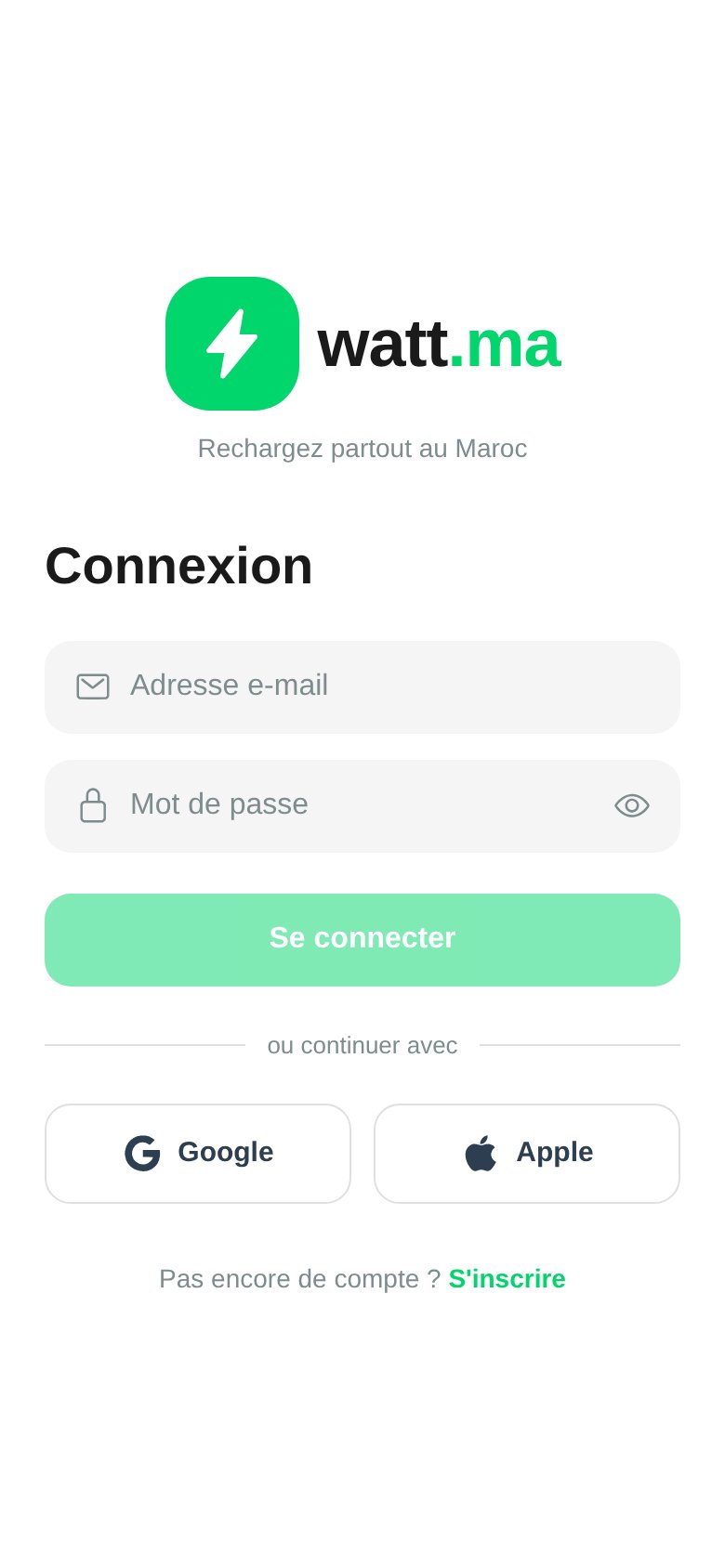 The **Sign In** screen accepts:
* Email address and password.
* **Google** in one tap (OAuth).
* **Apple** in one tap (Sign in with Apple, required for iOS App Store publication).
A **Sign Up** link at the bottom of the screen opens the account creation form.
## Create an Account
The **Sign In** screen accepts:
* Email address and password.
* **Google** in one tap (OAuth).
* **Apple** in one tap (Sign in with Apple, required for iOS App Store publication).
A **Sign Up** link at the bottom of the screen opens the account creation form.
## Create an Account
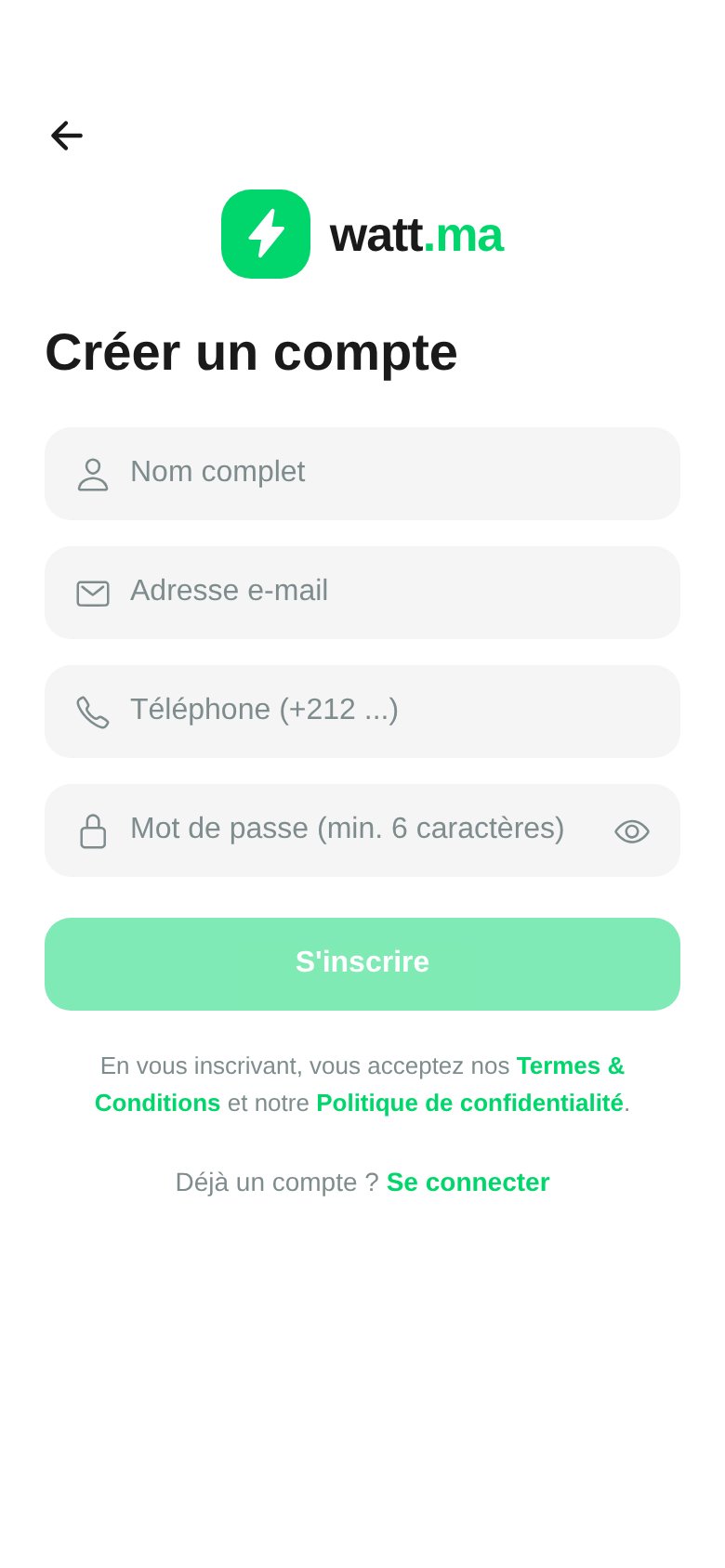 The **Create an Account** form asks for:
* **Full name**.
* **Email address** (used for password recovery and receipts).
* **Phone** in international format `+212 6XX XX XX XX`.
* **Password** (minimum 6 characters).
By submitting, you accept the watt.ma **Terms & Conditions** and **Privacy Policy**, in compliance with Moroccan law 09-08 on personal data protection.
## OTP Verification
After sign-up, the app sends a **6-digit OTP code** by SMS or email. This code secures the first sign-in and unlocks the wallet.
In Mock Mode, the OTP is **auto-validated** to speed up development. See the [Installation](/en/app-mobile/installation) page to disable this behavior.
## Session and Tokens
* Authentication via **JWT** signed server-side by FastAPI with `JWT_SECRET`.
* Token stored securely by Expo SecureStore.
* Configurable expiration on the backend, with silent refresh in the app.
## Recover a Password
From the **Sign In** screen, press **Forgot Password** (coming soon) or contact [contact@wattsc.com](mailto:contact@wattsc.com).
## Data Collected
At sign-up, the app records only:
* Full name, email, phone.
* Password hash (bcrypt).
* Provider account identifier (Google or Apple) if applicable.
No banking data is stored at this stage. See [Wallet and Payment](/en/app-mobile/paiement) for card tokenization.
The **Create an Account** form asks for:
* **Full name**.
* **Email address** (used for password recovery and receipts).
* **Phone** in international format `+212 6XX XX XX XX`.
* **Password** (minimum 6 characters).
By submitting, you accept the watt.ma **Terms & Conditions** and **Privacy Policy**, in compliance with Moroccan law 09-08 on personal data protection.
## OTP Verification
After sign-up, the app sends a **6-digit OTP code** by SMS or email. This code secures the first sign-in and unlocks the wallet.
In Mock Mode, the OTP is **auto-validated** to speed up development. See the [Installation](/en/app-mobile/installation) page to disable this behavior.
## Session and Tokens
* Authentication via **JWT** signed server-side by FastAPI with `JWT_SECRET`.
* Token stored securely by Expo SecureStore.
* Configurable expiration on the backend, with silent refresh in the app.
## Recover a Password
From the **Sign In** screen, press **Forgot Password** (coming soon) or contact [contact@wattsc.com](mailto:contact@wattsc.com).
## Data Collected
At sign-up, the app records only:
* Full name, email, phone.
* Password hash (bcrypt).
* Provider account identifier (Google or Apple) if applicable.
No banking data is stored at this stage. See [Wallet and Payment](/en/app-mobile/paiement) for card tokenization.