
Overview
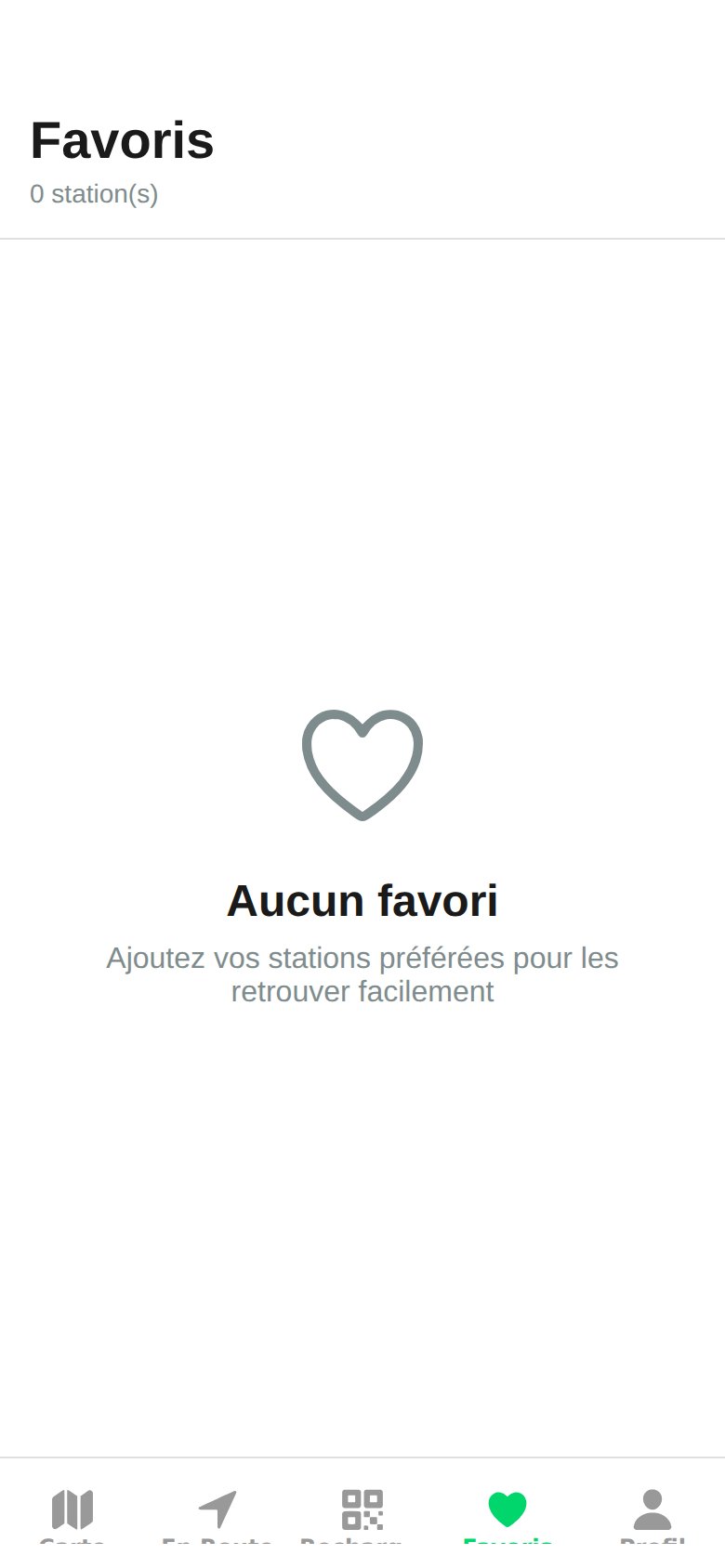
Add a Station to Favorites
1
Open the station
From the map or list, tap the station you want to pin.
2
Tap the heart
At the top right of the Station Details screen, tap the heart icon to activate it.
3
Find the station
Open the Favorites tab at the bottom of the app: the station appears in the list.
Remove a Favorite
From the Favorites tab or the station details screen, tap the heart icon again to deactivate it. The station remains accessible via the map and search.Synchronization
- Favorites are linked to your watt.ma account and synced across your devices as soon as you sign in with the same account.
- Storage is on the FastAPI backend, in MongoDB.