
Frequently Asked Questions
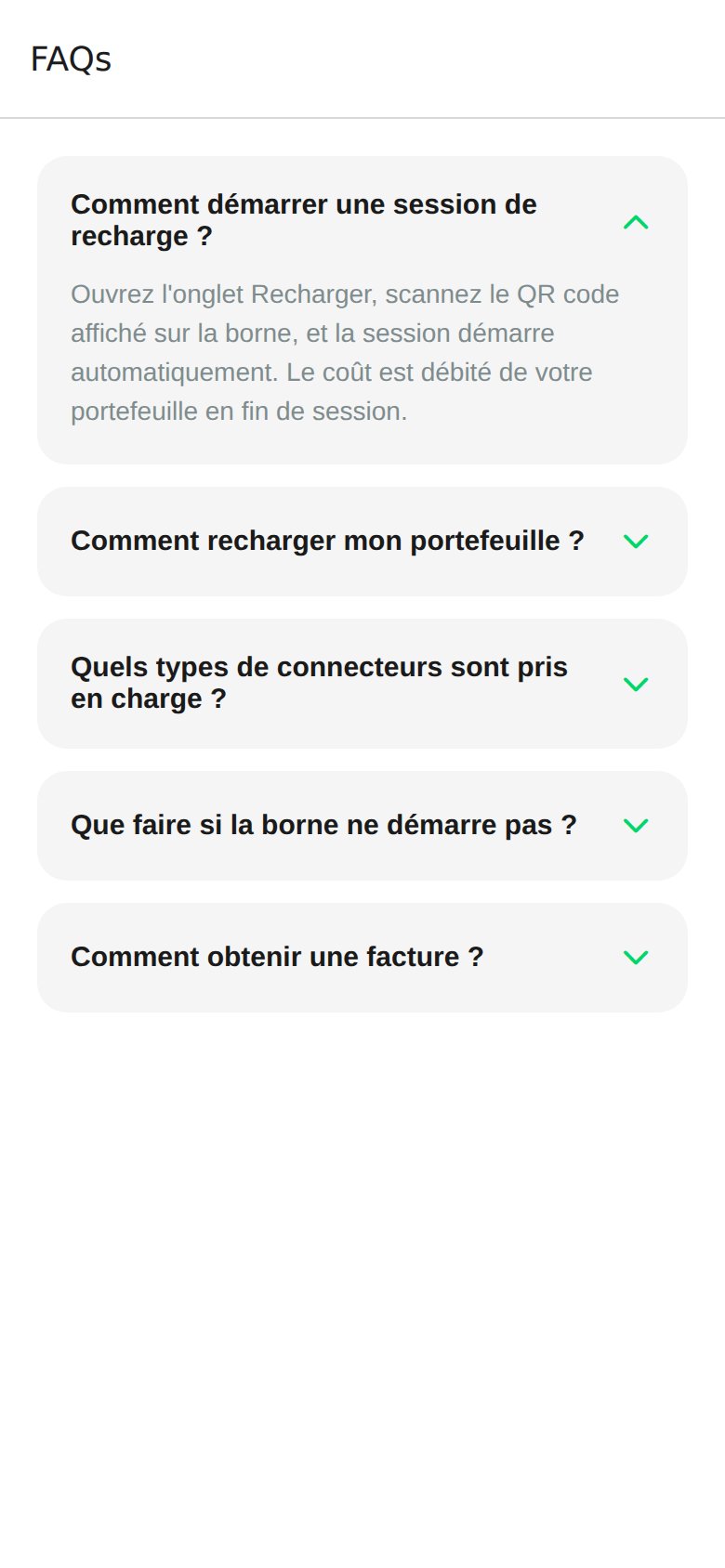
How do I start a charging session?
How do I start a charging session?
Open the Charge tab, scan the QR code displayed on the station, and the session starts automatically. The cost is debited from your wallet at the end of the session. Full details on the Start Charging page.
How do I top up my wallet?
How do I top up my wallet?
From the Profile tab, tap Top Up above the wallet balance, choose an amount in dirhams (50, 100, 200, 500 MAD or custom), and confirm with your saved Visa, Mastercard, or CMI card. Details on Wallet and Payment.
What connector types are supported?
What connector types are supported?
Stations on the watt.ma network expose three connector types: CCS2, CHAdeMO, and Type 2. The type is shown on the Station Details screen before you travel.
What if the station does not start?
What if the station does not start?
First check that the connector is fully inserted and that your vehicle accepts charging. If the problem persists, contact support with the station reference: contact@wattsc.com or WhatsApp
+212 770 238 225. The station operator can also restart it remotely from the CPMS.How do I get an invoice?
How do I get an invoice?
Every transaction is recorded in Profile → Transactions. PDF export per session is planned in a future release. For an immediate invoice, send the transaction reference to contact@wattsc.com. See the Roadmap.
Support Contact
- Email: contact@wattsc.com
- WhatsApp:
+212 770 238 225