
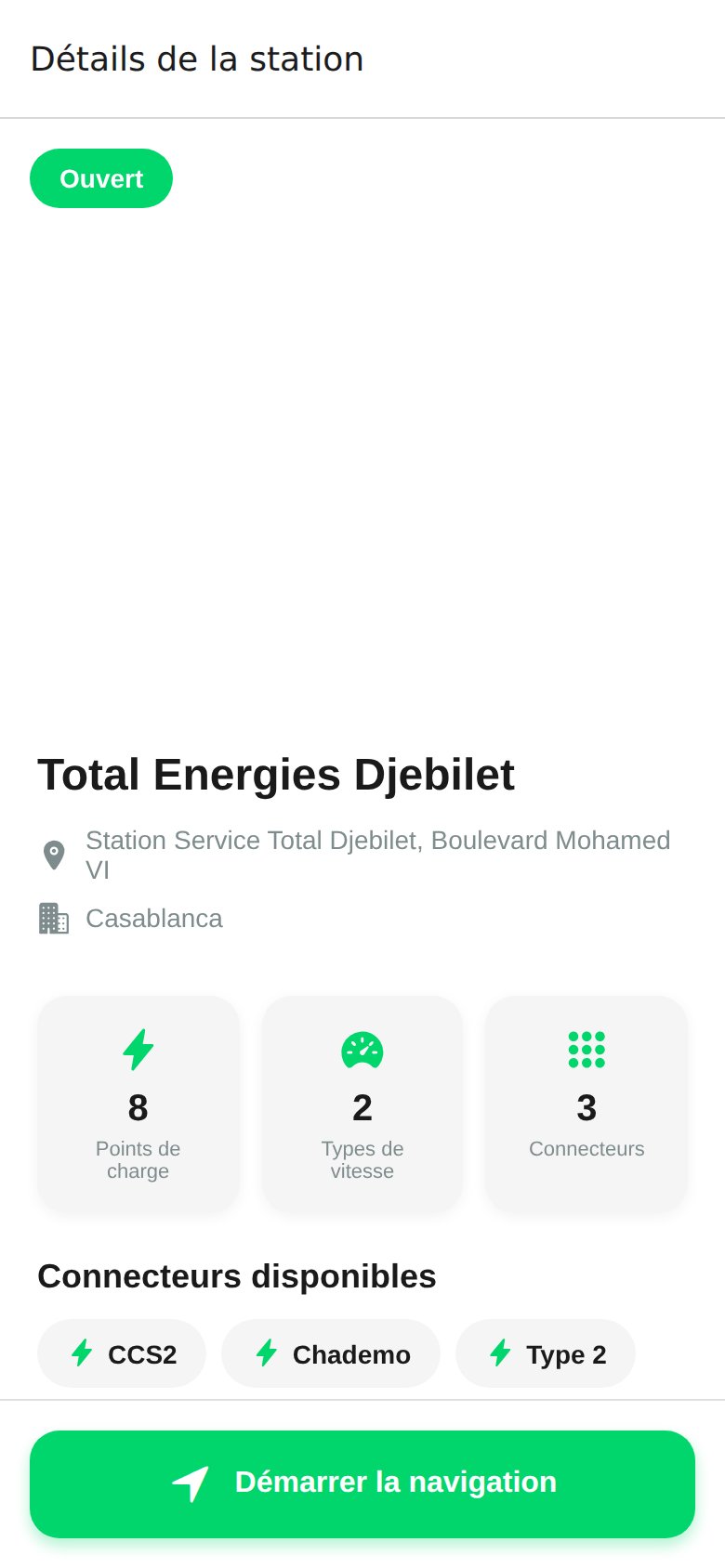
What you see at the top
Charge points and connectors
Below the header, three counters summarize the station’s capacity:Charge points
Total number of physical connectors installed at the site.
Speeds
Slow AC, fast AC, and DC fast charging, with the max power in kW.
Connectors
Supported plug types: CCS2, CHAdeMO, Type 2.
- Connector type and rated power (for example
CCS2 · 60 kW) - Live status:
Available,Charging,Occupied,Out of service - Applied rate in MAD per kWh
- A colored dot to spot free connectors at a glance
Real-time status
Each connector’s status is streamed live from the watt.ma CPMS over OCPP 1.6J.StatusNotification events update the app within seconds, no manual refresh required.
If you are outside network coverage, the app shows the last known status with a timestamp. It resyncs as soon as connectivity is back.
Rate and practical info
- Rate: MAD per kWh, set by the charger operator in their pricing profile. Some sites apply peak / off-peak rates.
- Hours: public opening hours, with any exceptional closures.
- Access: public, reserved for a venue’s customers, or private (residential, office building).
- Amenities: covered parking, café, restaurant, restrooms, wheelchair accessible.
- Payment accepted: CMI (Moroccan bank card), Stripe (international card), watt.ma RFID card.
Start navigation
The Start navigation button opens your phone’s default maps app (Google Maps, Apple Maps, or Waze) with the route preloaded to the station.1
Tap Start navigation
The app offers the maps app installed on your phone.
2
Pick your navigation app
Choose Google Maps, Apple Maps, Waze, or another compatible app. You can save this choice as default in Settings.
3
Follow the route
The optimized route appears with estimated travel time and required kWh.
Quick actions
Add to favorites
Tap the heart in the top right to find the station again in your favorites.
Start charging
On site, scan the charger’s QR code to start the session.
Share
Send the station link over WhatsApp or SMS to another driver.
Report an issue
Coming soon: report an out-of-service charger or blocked access.
Troubleshooting
Status shows Out of service but the charger seems to work
Status shows Out of service but the charger seems to work
The charger may have lost its OCPP connection. The app shows the last status reported by the CPMS. Contact support at +212 770 238 225 if you are on site.
The displayed rate does not match my invoice
The displayed rate does not match my invoice
Some sites apply peak / off-peak rates or a resident-specific rate. See the Pricing page to understand the calculation, or open the session in History for the breakdown.
Stations shown come from watt.ma’s partner operator network. The first public deployment is live at Al Akhawayn University in Ifrane.