
Overview
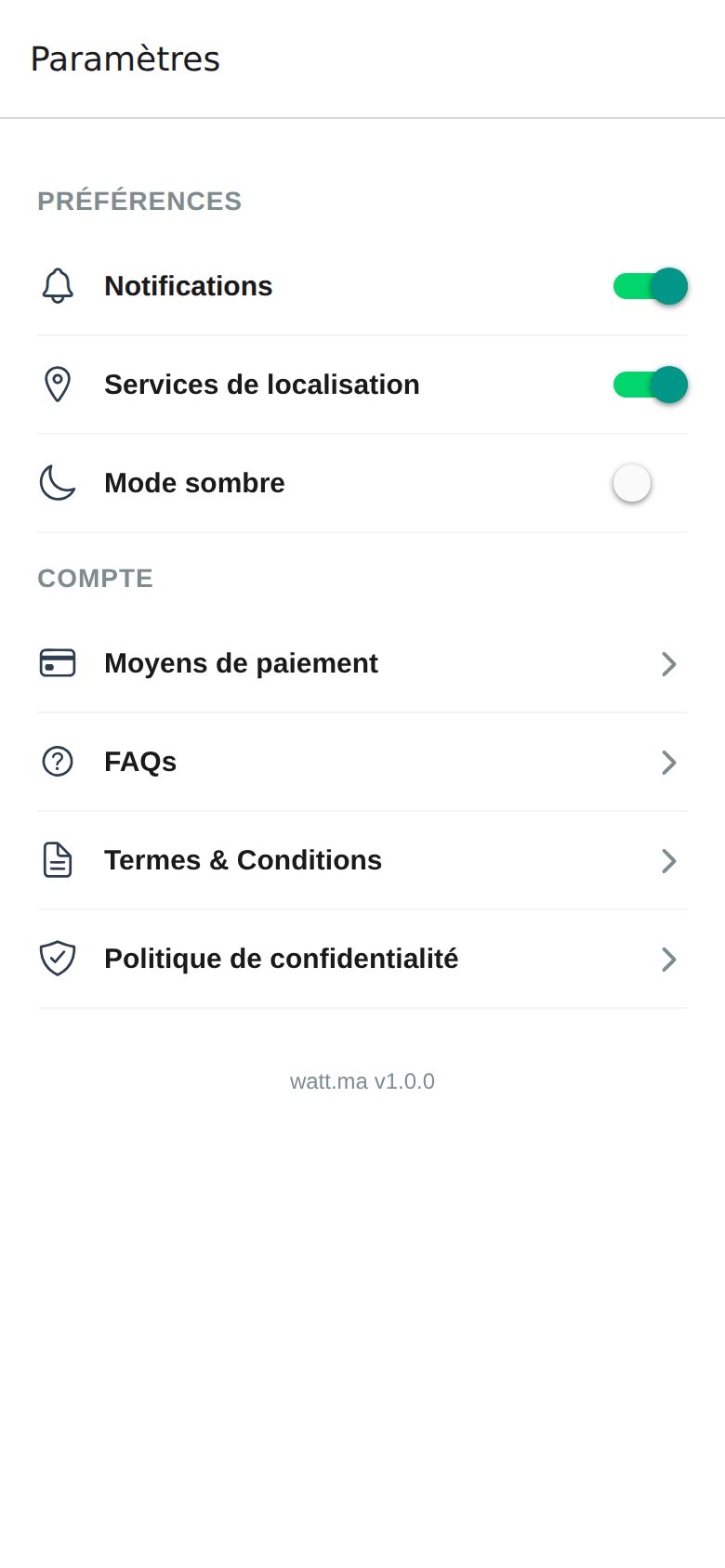
- Preferences: everyday usage options.
- Account: payment methods and legal documents.
watt.ma v1.0.0).
Preferences
Notifications use Expo Notifications. Location uses the standard Expo Location API: GPS or map fallback depending on the precision required by the screen.
Account
- Payment Methods: opens card management. See Wallet and Payment.
- FAQs: frequently asked questions. See FAQ.
- Terms & Conditions: watt.ma terms of use.
- Privacy Policy: personal data processing under law 09-08.
Language
The app is published in French. Multilingual support (Arabic and English) is planned for a future release. See the Roadmap.Sign Out and Delete Account
- Sign out: button at the bottom of the Settings screen. Returns to the sign-in screen.
- Delete account: send the request to contact@wattsc.com. Your personal data will be erased in compliance with law 09-08.